Cricket ID Login — Which Address to Open and What to Type, Made Easy
Holding a username and password from the desk and need the cricket ID login to go through on the first try? Every ID from Online Cricket ID signs in on the exchange site itself, in Chrome or Safari, with nothing to install. Below: which address to open, what each field wants, the three slips behind most refusals, and how a free reset works in chat.
Most cricket ID login failures trace to an old bookmark of a blocked address. Online Cricket ID sends the working address and resets passwords free. 18+.
Where Your Cricket ID Login Happens: a Simple Browser Sign-In
On the exchange you picked. Not on this page, and not inside a separate app.
Every Online Cricket ID account belongs to one exchange from the rack of 15, whether that is 99Exch, Sky Exchange, Lotus365 or Diamond Exchange, and the username only opens the site it was issued for, so the first job is simply knowing which exchange your login belongs to. Open that exchange in Chrome on Android, Safari on an iPhone or any browser on a laptop. Nothing to download.
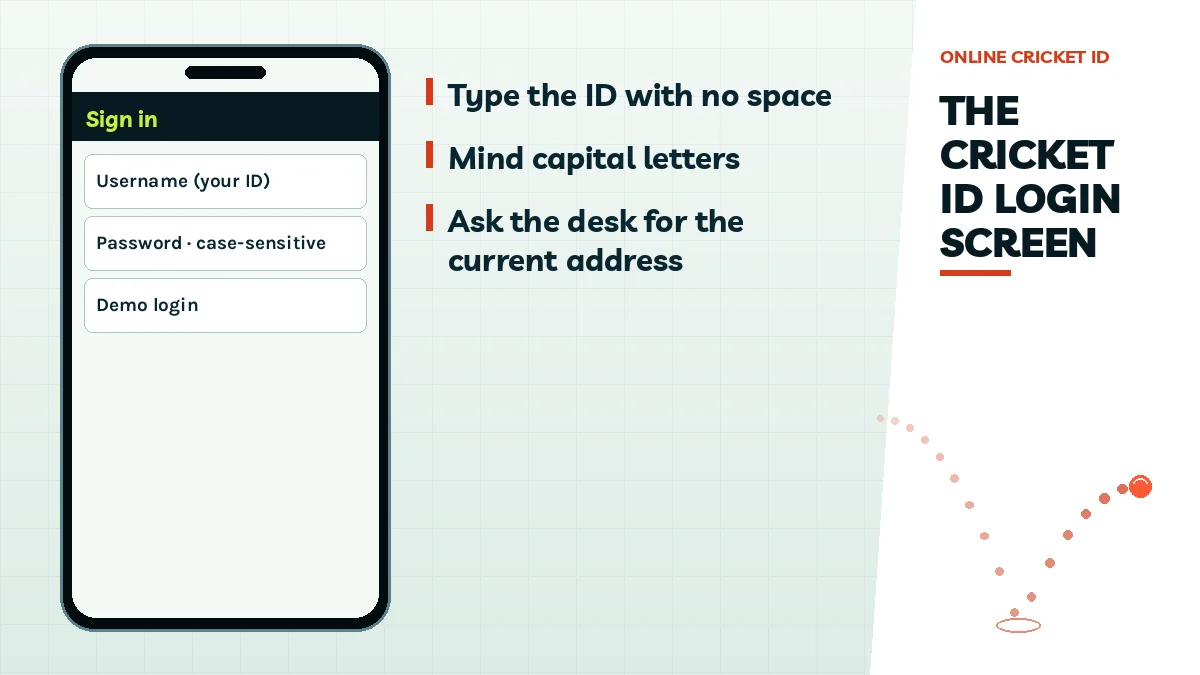
Username
The ID exactly as the Online Cricket ID desk sent it on WhatsApp. Letters and digits, no spaces before or after.
Password
Case-sensitive. Rk7 and rk7 are two different passwords as far as the exchange is concerned.
Demo login
Shown on some exchanges next to sign in. It opens the markets with no money involved, handy before a first deposit.
Type both, tap sign in, and the exchange home loads with your Online Cricket ID balance near the top. That is the whole flow.
One thing catches people out: a FairPlay username typed into the Gold365 sign-in is refused every time. Two exchanges means two Online Cricket ID logins, each with its own ₹100 start, and balances do not move between them.
Working Cricket ID Login Address: Which Site to Open Today
Lotus365 this month, Lotus365 at a different link next month. Same exchange, same account, new text in the address bar.
The shuffle happens because betting domains in India get blocked from time to time, which is why a saved link can die between one match and the next while your bookmark has no way of following the exchange to wherever it went. Same username. Same password. Same balance, sitting on the new address. The Online Cricket ID desk keeps the current address for every exchange on the rack and sends it on request.
Ask for the address by exchange name. A two-word line in your Online Cricket ID chat, like Tiger365 address, is enough.
Tap the link the desk replies with. Retyping it from memory is how one wrong letter sneaks in.
Use the details you already have. An address change never touches the username or password.
Bin the dead bookmark. Otherwise it catches you again after the next move.
A search engine is is a poor place to hunt for the address, partly because results lag behind each move by days, sometimes longer. The only address worth typing is the one in your own Online Cricket ID chat.
Account gone? Almost never. Address moved? Usually.
A regular on Lords Exchange wrote to Online Cricket ID one evening sure his money had vanished, because the bookmark he had used all season showed a blank page. Nothing had vanished. He opened the new address from his Online Cricket ID chat, typed the same ID, and the balance was exactly where he left it.
What the sign-in screen asks for.
Common Cricket ID Login Errors and Quick, Simple Fixes
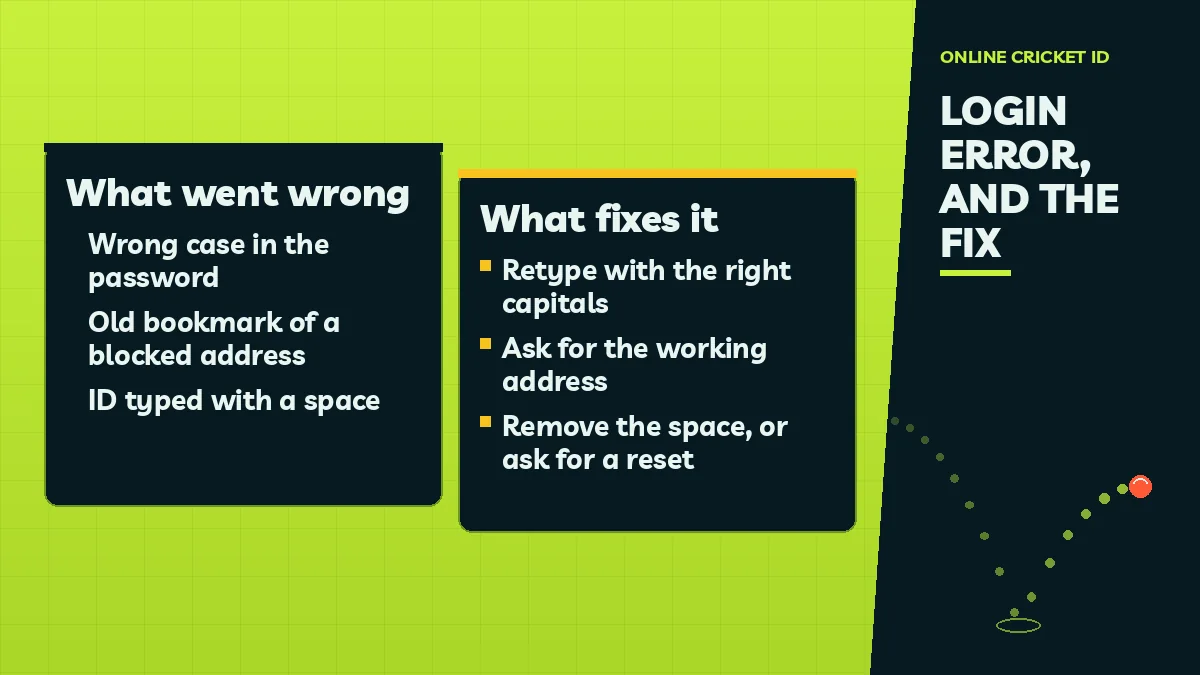
Three causes sit behind most refused Online Cricket ID sign-ins, and all three are fixable from your own phone in a minute or so.
What happens
Usual cause
Fix
Refused, yet you are sure of the password
A letter in the wrong case, often the opening one that a phone keyboard turns into a capital by itself
Compare each character with the Online Cricket ID chat; after two misses, ask there for a new password
Page will not load, or loads blank
Old bookmark of an address that has since been blocked
Ask the Online Cricket ID desk for the working address
Username refused even though it was pasted from the chat
A space copied along with the ID, before or after it
Clear the field and type the ID by hand
ID not recognised at all
The Online Cricket ID username was typed into a different exchange
Open the exchange that ID was issued for
Password forgotten completely
Changed after first sign-in and not saved anywhere
Free reset in the chat; the username stays the same
A quick way to catch the space problem on your Online Cricket ID login: tap at the very end of the username field. If the cursor lands a small gap after the last character, backspace once and sign in again. Most people never think to look.
Case is the other quiet one (it bites people who saved the password in a notes app with autocorret on). If a careful retype fails twice, stop guessing. Some exchanges may pause sign-in after repeated wrong attempts, so a reset from the Online Cricket ID desk is usually quicker than a fourth try.
Case, address, space. Check those three before anything else with your Online Cricket ID login.
People also search for Online Cricket ID
cricket id login
online cricket id login
cricket id login password
cricket id login problem
cricket id password reset
cricket id login address
cricket id sign in
cricket id login on mobile
cricket id username
forgot cricket id password
Online Cricket ID Login Help: Trusted Answers in One Place
Whether you typed online cricket id login, cricket id login password or cricket id login address into a search bar, the sign-in box you need is on your exchange, and any fix this page cannot give you comes from one place: your WhatsApp chat with the Online Cricket ID desk.
Cricket ID Login on Mobile and Laptop, Covered on This Page
Your cricket id username works in Chrome on Android, Safari on iPhone and any laptop browser. A home-screen icon made from the working address behaves like an app for every later cricket ID login.
Forgot Cricket ID Password? The Free Reset Order on This Page
Before asking for a cricket id password reset, rule out the small stuff, because a cricket id login problem on a phone is often one letter or one gap. Four checks, top to bottom:
Retype the password and check the first capital letter
Clear any space from the cricket id sign in field
Ask the Online Cricket ID desk for the working address
Request a free reset in the same chat if it still fails
Free Password Reset in the Online Cricket ID Chat, Fast and 24x7
A lost password is the one Online Cricket ID login problem you cannot fix on your own phone, and it takes the desk a few minutes.
The reset runs through the same WhatsApp thread that handles new IDs, deposits and withdrawals, open 24x7 on every day of the week, and the number is the Online Cricket ID WhatsApp number desk line, +91 81097 11726, shown as plain text so you save it yourself. Message from the phone number your account was opened with. That is how the desk knows the request is yours.
What You Send for a Quick Online Cricket ID Reset
The exchange name, your username, and a line saying you need a new password. Nothing else. No screenshot of your bank, no document, no code from any SMS.
What Comes Back in the Secure Online Cricket ID Thread
One line from the Online Cricket ID desk with a temporary password. Use it on the exchange sign-in within the hour if you can, and set your own straight after.
A reset request from you is short, and the reply from the Online Cricket ID desk is short too: a password, nothing to fill in. So if a reset conversation ever turns into a request for a one-time code, a UPI PIN or a card number, end it there, because the real desk does not ask for any of those.
Username unchanged, so nothing to relearn.
Balance and open bets untouched by the reset.
No fee, whether it is your first reset or your fifth.
Same Cricket ID Login on Phone, Laptop and an Easy Home-Screen Icon
Switching from phone to laptop mid-evening? Your Online Cricket ID username goes with you, since every exchange runs in the browser.
Think of the icon as a door to the live exchange rather than a program: because it simply opens the site, whatever the exchange changes shows up the next time you tap it, and your Online Cricket ID username and password go into the same two fields as on a laptop. Why a shortcut and not a store listing is covered on why exchanges skip the app stores and when an APK makes sense.
Phones: the option is called Add to Home Screen on both. Chrome on Android hides it behind the three dots; Safari on iPhone keeps it under Share. Tap Add and it is done.
Laptop: a plain bookmark of the address from your Online Cricket ID chat does the same job.
Make the icon from the address the Online Cricket ID desk sent you, not from an old tab. If that address moves later, delete the icon and add a new one from the fresh link. Thirty seconds.
Some exchanges have their own Android APK. Where one exists, the desk sends the current file in your chat; an APK from a random link is not one to install.
No ID Yet? Get a Free Online Cricket ID Before Your First Login
No username, no sign-in. Online Cricket ID fixes that in one short chat.
If you landed here hoping to sign in and there is no username in your chat yet, that is the missing piece: the Online Cricket ID desk creates the account, then you return to this page. Opening one carries no joining fee and no monthly fee, and the desk has done it this way since 2022. Try the demo login first, if you like.
Pay ₹100 by UPI, bank or wallet. Username in your chat about 2 minutes later. Win, ask for ₹1,200 back, and it reaches UPI in 5 to 15 minutes. Fee: ₹0.
Cricket ID Login Questions, Answered by the Trusted Online Cricket ID Desk
What if my cricket ID login username was in a chat I cleared?
Scroll first: WhatsApp may still hold the message if only the notification went. If it is truly gone, write to the Online Cricket ID desk from that same phone number, name the exchange, and the username is sent to you again. It is the same username as before, nothing new to learn.
Can I change my Online Cricket ID login password myself?
Yes, on the exchange site after you sign in, and the first sign-in is the right moment because the starting password came through a chat. Write the new one down somewhere private, noting any capitals. If it is lost later, the Online Cricket ID desk replaces it and your username does not change.
Does one cricket ID login work on every exchange?
No. Each login belongs to one exchange only. A Sky Exchange username will not open Lotus365 or 99Exch. If you want two exchanges, the Online Cricket ID desk issues a second ID, which starts with its own ₹100 deposit and keeps a separate balance.
Can I try the cricket ID login before paying anything?
Yes. A demo login is available on every exchange the Online Cricket ID desk offers, before any payment. It lets you look around the cricket markets, session rows and casino lobby first. Your own username and password follow about 2 minutes after a deposit of ₹100 or more clears.
Is my Online Cricket ID login safe from people asking for codes?
Yes, provided every username, password and payment account you use arrived in your own thread with the Online Cricket ID desk. Three things mean you are talking to someone else: a request for a one-time code or PIN, a new number taking over the chat, or a bonus that wants money upfront.